Trying to figure out how to choose a gaming PC can quickly become confusing. Between graphics cards, processors, RAM, SSDs, cooling, power supplies, and dozens of model numbers, it is easy to either spend too much or buy a computer that does not perform the way you expected.
The right gaming PC is not necessarily the one with the most expensive components. It is the computer that matches the games you play, the resolution and frame rate you want, your budget, and how long you expect to keep the system.
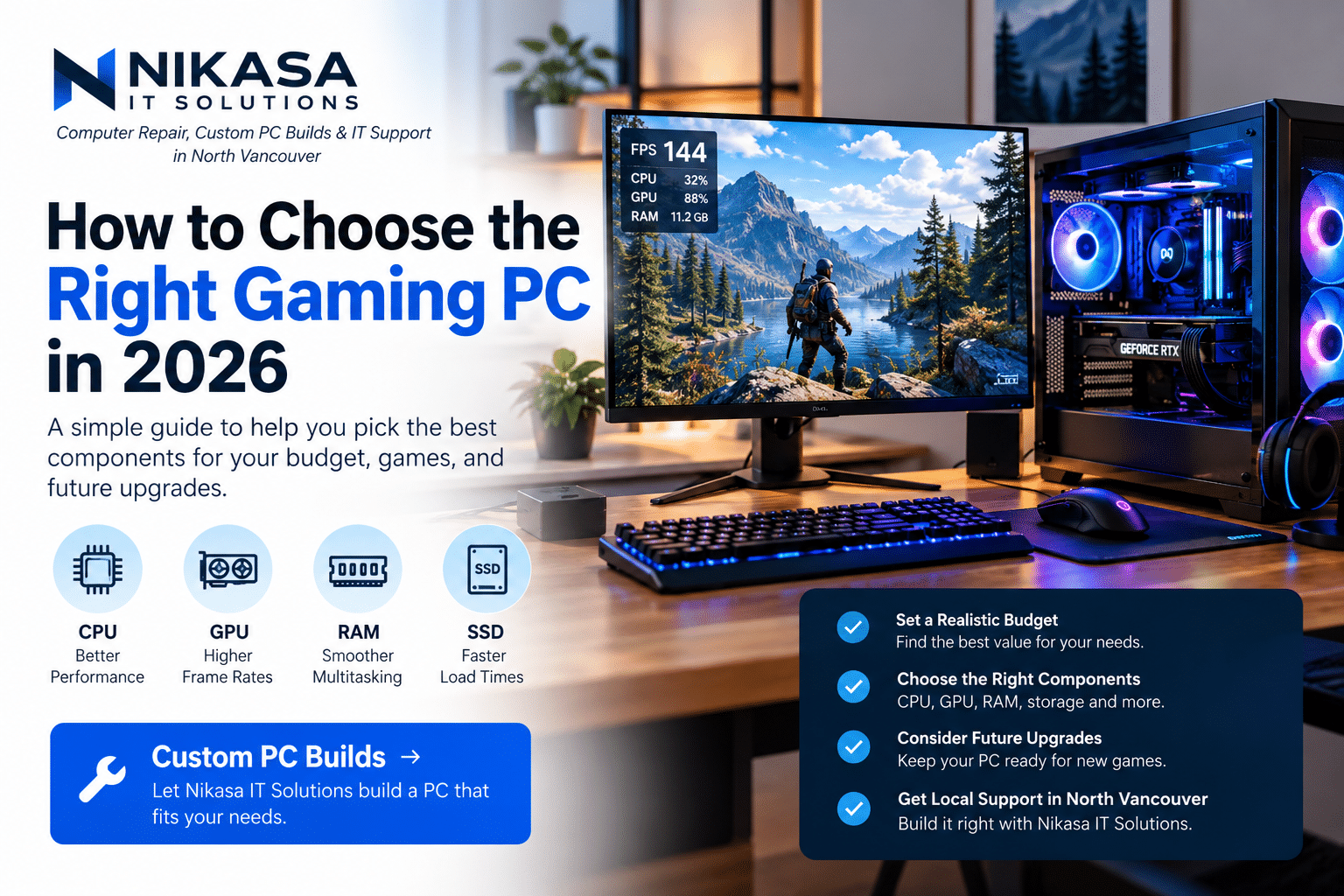
Whether you are buying your first gaming computer or replacing an older system, this guide will help you understand where your money actually matters.
How to Choose a Gaming PC: Start With the Games You Play
Before comparing hardware, think about what you actually want the computer to run.
Someone playing competitive games at 1080p has very different requirements from someone who wants to play demanding AAA games at 1440p or 4K with high graphics settings.
Consider:
- The games you play most often
- Your monitor resolution
- Your monitor refresh rate
- The graphics settings you expect
- Whether you stream while gaming
- Whether you also use the PC for editing, rendering, or work
Choose your gaming PC around the performance you actually want—not simply around whichever component has the biggest number.
Choose Your Resolution Before Your Graphics Card
Your monitor resolution has a major effect on how much graphics performance you need.
1080p Gaming
1080p is relatively easy for modern gaming hardware to drive and can be an excellent choice for competitive gaming, high refresh rates, and more budget-conscious builds.
1440p Gaming
For many gamers, 1440p provides an excellent balance between image quality and performance. It offers noticeably more detail than 1080p without the GPU demands of 4K.
4K Gaming
4K dramatically increases the number of pixels your graphics card needs to render. If high-resolution gaming is your priority, expect a larger portion of your budget to go toward GPU performance.
How Important Is the GPU in a Gaming PC?
For most gaming systems, the graphics card—or GPU—is one of the most important components.
The GPU is responsible for rendering the graphics you see on screen, so it has a major influence on frame rates, graphics quality, resolution, ray tracing performance, and other visual features.
That does not mean you should simply purchase the most expensive graphics card available.
A better approach is to select a GPU appropriate for your target resolution and games, then build a balanced system around it.
If you use a 1080p monitor and mostly play lightweight esports titles, buying an extremely high-end GPU may provide little practical benefit compared with putting some of that budget toward a better monitor, more storage, or other components.
Don’t Ignore the CPU
The processor matters too, particularly in games that are CPU-intensive or when you are targeting very high frame rates.
Your CPU also handles background applications and workloads outside gaming.
If you plan to game while streaming, multitask heavily, edit videos, run virtual machines, or use other demanding applications, CPU selection becomes even more important.
The goal is balance. Pairing an extremely powerful GPU with a processor that cannot keep up can prevent you from getting the performance you paid for.
How Much RAM Does a Gaming PC Need?
RAM provides fast temporary storage for Windows, your games, and applications that are currently running.
Modern games, browsers, Discord, launchers, streaming tools, and background applications can collectively use a significant amount of memory.
For a new gaming build, capacity should be selected based on both the games you play and what else you run at the same time.
More RAM does not automatically produce more FPS once you already have enough memory for your workload. However, having too little RAM can cause poor multitasking, stuttering, and excessive use of slower storage.
An SSD Should Be Standard in a Modern Gaming PC
If you are building or buying a modern gaming computer, an SSD should be the primary storage drive.
An SSD can significantly improve Windows startup, application responsiveness, installations, file transfers, and game loading compared with an old mechanical hard drive.
Storage capacity is also worth considering carefully. Modern games can consume a large amount of space, so a drive that looks large enough today can fill surprisingly quickly.
It is usually easier to add more storage later than to replace an undersized power supply, poorly selected motherboard, or unsuitable case. Prioritize the parts that affect the long-term foundation of the build.
The Power Supply Is Not the Place to Cut Corners
The power supply does not increase your FPS, which makes it tempting to save money here.
But it powers every component in the computer.
A properly selected PSU should provide sufficient capacity for your hardware, use the connections your components require, and leave reasonable headroom for the system.
A quality power supply can also make future upgrades easier if you decide to install a more demanding graphics card later.
Cooling and Airflow Matter
Powerful gaming components generate heat.
Good case airflow and appropriate CPU cooling help components maintain reasonable operating temperatures during long gaming sessions.
This does not mean every gaming computer needs an enormous liquid-cooling system.
A well-designed air-cooled PC can perform extremely well. Cooling should be selected according to the actual hardware rather than appearance alone.
Think About Future Gaming PC Upgrades
One of the biggest advantages of a desktop gaming PC is the ability to upgrade individual components.
When choosing a gaming PC, consider whether the system gives you room to grow.
Look at factors such as:
- Available RAM slots
- Additional M.2 or SATA storage support
- Power supply capacity
- Case space for future graphics cards
- Motherboard expansion options
- Cooling capacity
Spending slightly more on the right foundation can sometimes save money later because you can upgrade one component instead of replacing the entire computer.
Prebuilt vs. Custom Gaming PC
Prebuilt gaming computers can be convenient because everything arrives assembled and ready to use.
However, a custom gaming PC gives you more control over where your budget goes.
Instead of selecting a computer based mainly on a model name, you can choose the specific CPU, GPU, RAM, storage, motherboard, cooling, case, and power supply that fit your requirements.
This can be particularly useful when you want a specific performance target or an easier future upgrade path.
Want a Gaming PC Built Around Your Budget?
Nikasa IT Solutions offers Custom PC Builds in North Vancouver for gaming, productivity, and high-performance workloads.
Instead of paying for components you don’t need, we can help select compatible parts based on your games, target performance, budget, and future upgrade plans—and build the system for you.
Explore Nikasa Custom PC Builds →How Much Should You Spend on a Gaming PC?
There is no single correct gaming PC budget.
Instead of starting with a specific dollar amount because someone online recommended it, work backward from what you want the computer to accomplish.
A sensible budget should account for your target games, resolution, frame rate, storage requirements, upgrade plans, and whether peripherals such as a monitor are included.
The objective is not to build the most expensive computer possible. It is to avoid spending money in areas that will not meaningfully improve your experience.
Common Gaming PC Buying Mistakes
- Spending too much of the budget on one component
- Choosing hardware based only on model numbers
- Ignoring power supply quality
- Buying insufficient storage
- Using poor cooling or airflow
- Ignoring monitor resolution and refresh rate
- Paying extra for appearance while compromising performance
- Not considering future upgrades
Build the Gaming PC That Fits You
Learning how to choose a gaming PC becomes much easier once you stop looking for the single “best” computer and start looking for the right computer for your needs.
Start with your games and monitor. Decide what performance you expect. Then select balanced components that meet those goals while leaving room for future upgrades where it makes sense.
If you are in North Vancouver and would rather have someone help select the components, assemble the computer, and make sure everything works together properly, Nikasa IT Solutions can help.
Planning Your Next Gaming PC?
Tell us what you play, what performance you want, and your budget. Nikasa IT Solutions can help you build a gaming PC designed around you.
View Custom PC Build Services