A slow, damaged, or unreliable computer does not always need to be replaced. In many cases, a practical repair or upgrade can restore good performance and extend its useful life. In other situations, replacing the computer is the smarter long-term investment.
The right decision depends on the computer’s age, the type of problem, repair cost, and how you use it. This guide will help you decide whether your computer is worth repairing or whether it is time for a replacement.
Quick rule: Repair is often worthwhile when the computer still meets your needs and the problem is limited to one replaceable component. Replacement makes more sense when several major parts are failing or the computer can no longer support the software you need.
When repairing your computer makes sense
A repair is usually the better choice when the computer is in generally good condition and the issue can be solved without replacing most of the system.
The computer is only a few years old
If your computer is relatively recent and was performing well before the problem started, repairing it can be much more affordable than buying a comparable replacement. A failed battery, charging port, fan, storage drive, or memory module does not necessarily mean the whole computer has reached the end of its life.
A simple upgrade can solve the problem
Slow performance is often caused by an old hard drive, insufficient memory, too many startup programs, overheating, or software problems. Installing a solid-state drive (SSD), adding RAM, cleaning the cooling system, or optimizing Windows can make a noticeable difference.
- The computer is slow but otherwise reliable.
- Startup and application loading take too long.
- Storage space or memory is the main limitation.
- The battery no longer holds a charge.
- A virus, damaged Windows installation, or unwanted software is causing problems.
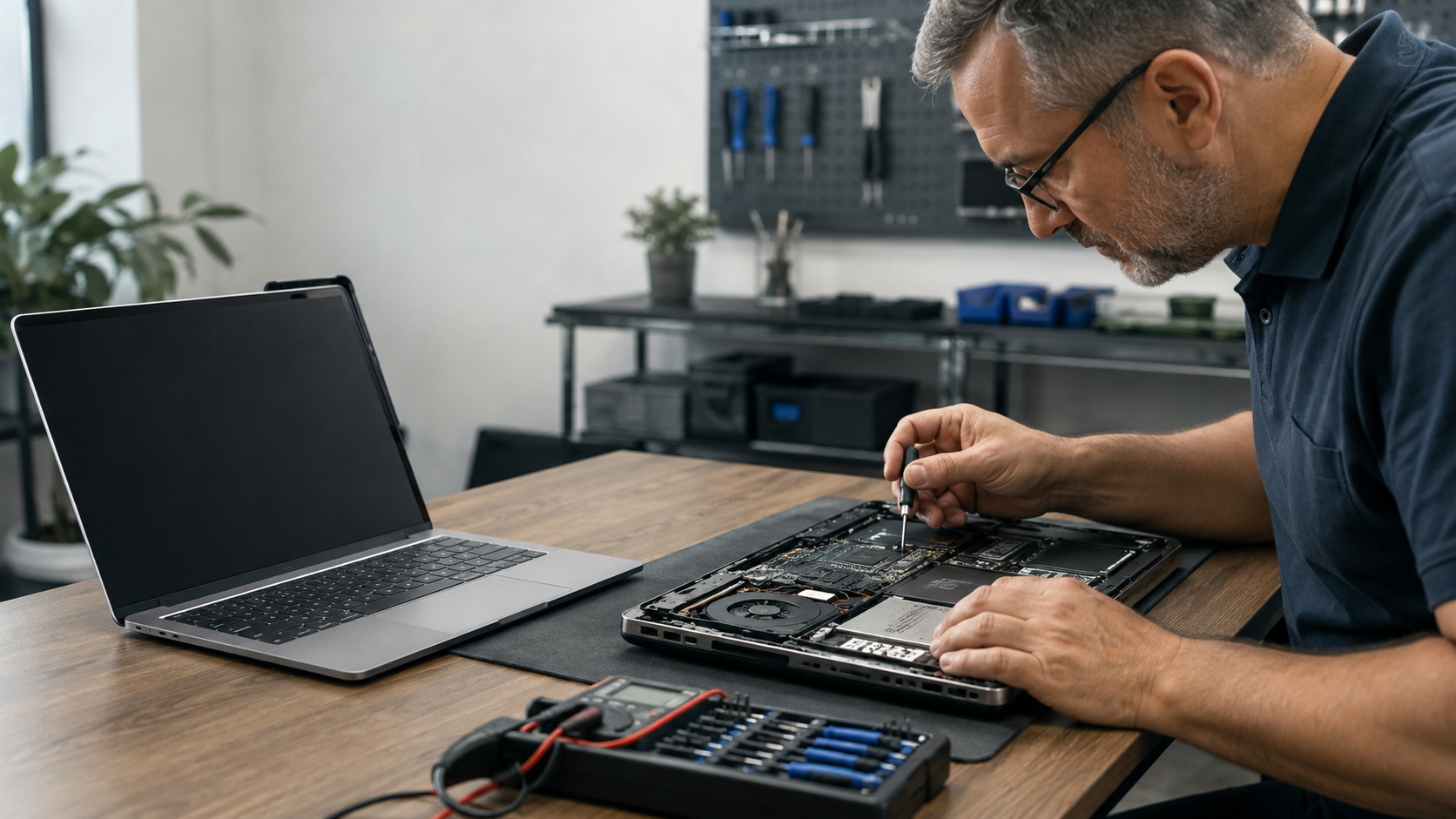
Your files and applications are difficult to move
Replacing a computer may also involve transferring files, reinstalling programs, signing back into accounts, and reconnecting printers or other devices. If the existing computer still supports your work, repairing it may save time and reduce disruption.
When replacing your computer is the better choice
Repairing an older computer is not always economical. Replacement may provide better value when the system has major limitations or is likely to develop more problems soon.
The repair costs too much compared with replacement
Consider both the repair estimate and the value of the computer after it is fixed. If the repair approaches roughly half the cost of a suitable replacement, especially on an older system, putting that money toward a new computer may be more sensible.
This is a guideline rather than a strict rule. A business-class computer, gaming PC, or high-performance workstation may still be worth repairing because an equivalent replacement could cost considerably more.
Several components are failing
One repair can be reasonable. A failing battery, damaged screen, loose charging port, worn keyboard, and overheating problem occurring together may indicate that the computer is nearing the end of its useful life. Multiple repairs can quickly exceed its remaining value.
It cannot support current software or security updates
A computer that cannot run a supported operating system or the applications you need may create security, compatibility, and reliability problems. This is especially important for small businesses handling customer, financial, or confidential information.
It no longer meets your daily needs
A working computer can still be the wrong computer. If video meetings, large spreadsheets, creative applications, gaming, or business software remain frustrating after reasonable upgrades, replacement may deliver a better experience and reduce lost time.
Five questions to ask before deciding
- How old is the computer? Age alone does not decide its value, but older systems are more likely to have limited upgrade options and additional wear.
- What exactly is wrong? A proper diagnosis helps separate a simple software issue from an expensive hardware failure.
- How much will the repair cost? Compare the complete repair cost with a replacement that offers similar or better performance.
- Will the repair solve the main problem? Replacing one part is poor value if the computer will still be too slow or incompatible afterward.
- How important is reliability? A frequently failing work computer can cost more in downtime than its purchase price suggests.
Repair or replace: a quick comparison
| Consider repairing when… | Consider replacing when… |
|---|---|
| The problem is limited to one replaceable part. | Several important components are failing. |
| The computer still handles your normal tasks. | It remains too slow for your daily work. |
| An SSD, RAM, battery, or software repair will solve the issue. | It has limited upgrade options or software compatibility. |
| The repair cost is reasonable for the computer’s remaining value. | The repair is close to the cost of a suitable replacement. |
Do not forget your data
Before repairing or replacing a computer, make sure important documents, photos, browser data, and business files are backed up. If the storage drive is already failing, avoid repeatedly restarting or heavily using the computer because continued use may make recovery more difficult.
If you replace the computer, your old drive should also be securely erased before the device is sold, recycled, or given away.
Get an honest assessment before you decide
You do not need to guess. Nikasa IT Solutions can diagnose the problem, explain the available repair or upgrade options, and help you compare them with the cost and benefits of replacement. Our goal is to recommend the option that makes practical and financial sense for you.
Not sure whether your computer is worth repairing?
Contact NikasaIT for computer diagnostics, repairs, upgrades, and performance optimization in North Vancouver.
Frequently asked questions
How long should a computer normally last?
Many computers remain useful for five years or longer, but lifespan depends on build quality, maintenance, specifications, and workload. A well-built computer with upgradeable RAM and storage may remain practical much longer than an entry-level system.
Is a slow computer always too old?
No. Limited memory, a mechanical hard drive, overheating, malware, low storage space, or excessive startup software can make a capable computer feel slow. A diagnosis can identify whether an upgrade or cleanup will help.
Is it worth replacing a laptop screen?
It can be, especially when the laptop is relatively new and otherwise in good condition. The decision depends on the replacement part, labour involved, laptop value, and whether other components are also damaged.
Should I repair an old computer just to recover my files?
Not necessarily. In some cases, files can be transferred or recovered without fully repairing the computer. Stop using the device if the drive is clicking, disappearing, or producing frequent errors, and request an assessment.
Serving home users and small businesses in North Vancouver and nearby communities.